What Is a Virtual Mailbox?
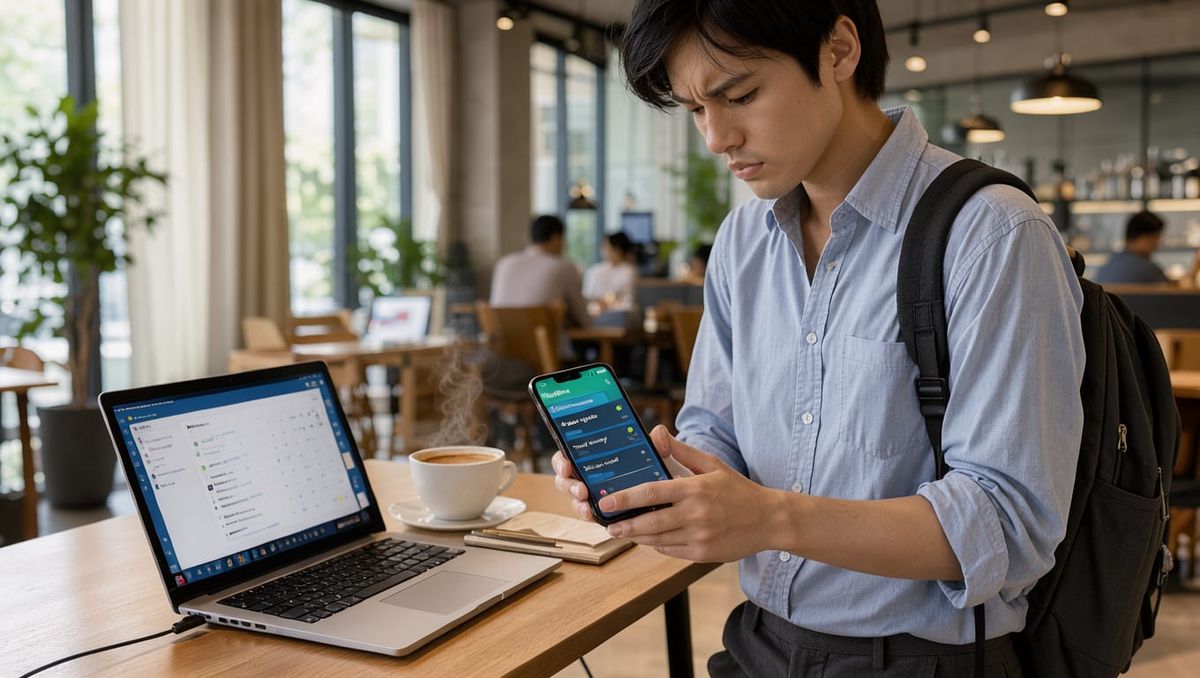
A virtual mailbox is a service that gives us a real street address where mail and packages are received, then lets us review scans and request next steps online. Could a delivery address help us stay connected to important mail while we travel? A commercial mail receiving agency (CMRA) is a private business that receives mail on behalf of customers.
Physical letters and parcels still arrive at a staffed location, even when we are far away. Travelers and people who want to keep a home address off routine mail may find the service useful. It can also give a home business a separate mailing address. Mailbox security can improve when fewer deliveries sit unattended at home, though no service removes every risk.
We can use an app or website to check mail and choose what happens next. That remote access may help reduce package theft and limit some exposure to identity theft. Treat it as a way to manage physical mail remotely, not as an email inbox.
Key Takeaways
- Mail arrives at a real business address, not in an email account.
- We can review outside images and request mail services online.
- Travelers and home businesses may benefit from a separate mailing address.
- Address privacy and remote access can reduce some risks, but cannot prevent all theft.
- We should check address rules, package limits, and extra charges before signing up.
What a virtual mailbox is and how it works
A delivery can arrive at a staffed business address while we are across the country, and the mailbox’s app or website lets us check its status remotely. The service uses a street address and a PMB number, or a number marked with a #, to identify our mail. That makes remote access possible without turning a USPS box inside a Post Office into a virtual mailbox.
A CMRA address combines the business’s street address with our PMB number. The address may look like a regular street address, but it identifies a private mailbox at a commercial mail receiving agency.
A PO Box stays inside its Post Office, while a virtual mailbox connects a CMRA address to online mail management.
A real street address with a private mailbox number
A USPS PO Box is a locked, numbered box inside a Post Office. Mail stays there until we collect it, and most boxes measure 14.75 inches deep. Size and availability vary by Post Office.
PO Box rentals run for 3, 6, or 12 months. Three-month rentals renew automatically, while six- and 12-month renters may opt out. We must show two acceptable U.S. IDs at the Post Office to get the keys or combination.
Large parcels may bring a pickup slip or go into a secure parcel locker. Some Post Offices offer Smart Lockers. At participating locations, PO Box Street Addressing uses the Post Office street address with a # and box number for private-carrier deliveries.
How we view mail through an app or website
A virtual mailbox account shows outside images of arriving mail and packages. We use the app or website to review each item and choose available actions. These images show the outside, not the letter’s contents.
A CMRA address format includes the street address and PMB number. A USPS PO Box instead requires an in-person trip for access, even when its Street Addressing format accepts some private-carrier deliveries.
A PO Box Street Addressing format is still tied to its Post Office box, so do not file a Change of Address between those two formats.

Discover Flexible Ways To Manage Your Physical Mail and Mailing Address
How we receive and manage mail and packages remotely
After a carrier delivers an item, the location notifies us and we choose whether to scan, forward, collect, or discard it. Many services accept USPS, FedEx, UPS, DHL, and other carrier deliveries, but each location sets its own rules. Local limits matter even when a carrier can transport a larger parcel.
A carrier’s maximum parcel size does not guarantee that a mailbox location will accept it. The building may have limited storage, a small doorway, staff lifting limits, insurance rules, or other restrictions.
Mail and packages from USPS, FedEx, UPS, DHL, and other carriers
For most domestic USPS parcels, the limit is 70 pounds and 108 inches in combined length and girth. USPS Ground Advantage may allow up to 130 inches with oversized pricing. UPS small packages can reach 150 pounds, 108 inches long, and 165 inches in combined length and girth.
Covered FedEx U.S. services allow packages up to 150 pounds, 119 inches long, and 165 inches in combined length and girth. Those carrier limits describe transport, not acceptance at a CMRA. A mailbox location’s own package limits may be lower.
Scanning, forwarding, pickup, shredding, and recycling options
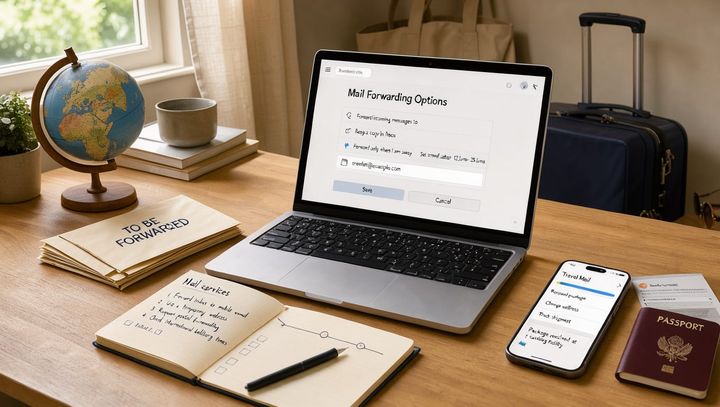
When we request a scan, staff open the mail and upload images of its contents. Forwarding sends an item to another address, while pickup lets us collect it in person. Providers may also offer shredding or recycling.
Some services can combine several items into one shipment or forward mail internationally. Check deposit may depend on the location and whether the bank accepts deposits by mail. Forwarding charges may use dimensional weight, a package’s size-based weight, or actual weight, whichever is greater.
Before shipping an item to the mailbox, check:
- The location’s size limit.
- The location’s weight limit.
- Whether forwarding uses dimensional weight.
- Whether the item can be held until pickup.
Confirm the receiving location’s own acceptance rules before sending a bulky or heavy parcel.

Discover Flexible Ways To Manage Your Physical Mail and Mailing Address
How mailbox security helps with mail theft prevention
A virtual mailbox can reduce the amount of mail left at home, but it cannot guarantee against identity theft. Staffed storage may keep letters away from an unattended curbside mailbox or packages off a porch. That reduces one exposure, though a receiving location can still face theft or account risks.
Keeping a home address off routine correspondence can limit its exposure, but it does not prevent identity theft. Mailbox security also depends on careful account access and how staff handle each item.
Secure staffed storage instead of a curbside mailbox
A locking mailbox or tamper-resistant mail slot can make it harder for someone to take mail from home. A virtual mailbox offers a different approach: deliveries go to a staffed business location rather than waiting beside a front door.
That can help with mail theft prevention when we travel or cannot collect deliveries each day. It does not promise protection from package theft at every location, nor does it secure mail after forwarding begins.
Privacy protections that can help reduce identity theft risks
Mail images usually show the outside of an envelope or package. A content scan is different because staff open an item and upload images of its pages. We should treat both the account and any scans as sensitive.
USPS Informed Delivery is a separate service that shows grayscale images of the address side of eligible letter-size mail processed through USPS equipment. It does not show contents, and alerts may arrive several days before physical delivery.
USPS recommends multifactor authentication for Informed Delivery accounts and requires it for some users. Anytime Mailbox customers see images in its web portal or app, rather than receiving them by email. Use multifactor authentication wherever it is available, since mail images and account access are still sensitive.

Discover Flexible Ways To Manage Your Physical Mail and Mailing Address
How to set up a virtual mailbox in the United States
To open a U.S. virtual mailbox, we first choose a location, then authorize the mail center to receive our mail. Good setup starts with fit: the address should work for our needs, and the plan should cover the mail we expect.
USPS Form 1583 authorizes a commercial mail receiving agency to accept mail for us. It does not approve the address for business registration, banking, or every other official use.
Choosing a location and service plan
Compare the location, services, and plan allowance before opening an account. A nearby location may make pickup easier, while a location near our work or travel route may suit a different routine. Check what the plan includes for incoming mail and online actions.
Some services ask us to choose a service type and list anyone authorized to receive mail. Make sure the account details match the people who will use the mailbox.
Identity checks and USPS Form 1583
USPS Form 1583 is titled “Application for Delivery of Mail Through Agent.” It records our home address, CMRA address, service type, and any authorized individual. The form also asks where mail for the private mailbox should be transferred.
We need two forms of identification: one government-issued photo ID and one document that confirms the address on the form. Address documents can include a current lease, mortgage or deed of trust, home or vehicle insurance policy, vehicle registration card, or voter card.
Each adult using a private mailbox for residential or personal use needs a separate form. Provider steps differ: iPostal1 requires the form and two IDs, with notarization or a signature in the mail center’s presence. USPS provides the PS Form 1583 application and instructions.
Redirecting mail with USPS and notifying senders
After approval, we can redirect mail through USPS or update senders one by one. Directly changing our address with banks, employers, schools, and other senders can help avoid missed notices.
Use verified USPS channels when requesting a mail change. Mail forwarding fraud can involve fake requests, so confirm an unexpected request through a trusted channel before responding.
Follow this setup checklist:
- Choose a location that fits our pickup and delivery needs.
- Select a plan with suitable services and mail allowances.
- Complete the identity check and Form 1583.
- Redirect mail and update senders.
Keep a copy of the completed Form 1583 and confirm that every adult who will use the mailbox has completed the required authorization.
Who uses a virtual mailbox and what it can handle
A virtual mailbox can suit a household that travels often or a home business that wants mail handled away from its front door. Travelers, expats, students, and remote households can check mail while living or working in different places. Regular access from afar is the main draw.
A CMRA address is a mailing address, not a residential address. That distinction matters when an institution asks where we live or requires a specific business address.
Travelers, expats, students, and remote households
Travelers may use the service while moving between cities or staying away for long periods. Expats can view mail from abroad, while students may need a stable mailing address during school breaks or housing changes.
Remote households can have deliveries sent to a staffed location instead of a curbside mailbox or porch. That can be useful when no one is home to collect letters and packages. A locking mailbox still serves households that want mail delivered directly to their home.
Home businesses and professional mailing addresses
A home business may prefer a professional mailing address for routine correspondence, especially when the owner does not want to use a home address publicly. Staff can receive mail at the CMRA, and the owner can manage it online.
A mailing address is not automatically a residential address, a registered-agent address, or an address accepted by a bank. Some banks may reject a CMRA address as a primary address. The address alone does not grant permission to register a business there.
Business registration limits and address requirements
State offices, licensing boards, the IRS, and banks may set different address rules for business, tax, and financial records. The right address can depend on the record type and the institution’s own requirements.
Before listing a CMRA address on an official form, check the rules with the state office, licensing board, tax agency, or financial institution that will receive it. A home business may still need a separate residential or registered-agent address for some filings.
Before using a CMRA address on an LLC, tax, or bank record, confirm the rule with the relevant state office or institution.
What virtual mailbox plans cost
In 2026, typical virtual mailbox plans run about $10-$20 monthly at entry level, $25-$55 mid-tier, and $70-$120 for premium or business use. The listed rate is only a starting point because location tier, included mail volume, and selected services affect the plan.
Extra charges can raise the monthly total beyond the advertised plan price. Compare the actions we expect to use, not just the lowest rate shown.
Monthly pricing and location-based plan differences
Anytime Mailbox advertises plans starting at $9.99 per month, with an average plan price of $9.99 per month. iPostal1 lists plans starting at $9.99 per month, with pricing that varies by location tier.
iPostal1 also lists a $14.99-per-month business address plan and a $39.99-per-month virtual office plan. Applicable taxes and location-based pricing can affect the amount charged.
Extra charges for scanning, forwarding, storage, and other actions
Content scanning beyond an included allowance commonly costs $0.50-$2.00 per page. Storage fees may begin after a free holding period of 10-30 days. Common forwarding handling fees run $2-$5 per shipment.
Some providers charge $2-$5 per package for consolidation. Plan fees may not cover scanning, storage, forwarding, consolidation, extra recipients, or shredding. A package held for a few days may cost less than one that needs added storage or a special shipment.
Compare the full monthly cost of the location and actions we expect to use, not the smallest starting price.
Check extra-recipient and shredding terms alongside the rates for scans, storage, and forwarding. A tamper-resistant mail slot or other home security feature does not change a mailbox plan’s service charges.
Compare the expected monthly total for the location and actions we will actually use, not just the lowest advertised starting price.
Conclusion
A virtual mailbox is worth considering when we need reliable access to physical mail without being tied to one home address. It can help travelers, remote households, and home businesses keep up with deliveries from afar. The best fit is one that accepts our expected mail and offers useful remote service.
Before signing up, compare the location’s package rules, included services, and full fee schedule. USPS Informed Delivery can also preview eligible letter mail, but it does not manage packages or replace a mailbox service. Watch for mail forwarding fraud by using trusted channels for address changes.
Estimate our expected mail volume, then verify the location’s acceptance rules and full terms before choosing a plan.
FAQ
Can we use a virtual mailbox as our legal or business address?
Sometimes, but a CMRA address is not a residential address and does not meet every official requirement. State offices, banks, and other institutions may set different rules for business filings, tax records, or financial accounts. We should check the specific rule for each record before using the address. A mailing address also does not serve as a registered-agent address by default.
Does a virtual mailbox accept packages from UPS or FedEx?
Many locations accept UPS and FedEx packages, but the receiving location sets its own acceptance limits. A carrier’s maximum size or weight does not mean a CMRA can store or handle that parcel. Building access, storage space, and staff limits may affect acceptance. We should check the location’s rules before sending a large or heavy package.
Can a family share one virtual mailbox?
A family may be able to use one mailbox account, but each adult using a private mailbox for residential or personal use needs a separate Form 1583. The form authorizes the CMRA to receive mail for that person. Provider procedures can also require identity checks for each user. We should list only people who have completed the required authorization.
What does USPS Informed Delivery show?
USPS Informed Delivery shows grayscale images of the address side of eligible letter-size mail, not the contents. The images come from mailpieces processed through USPS automated equipment. Notifications may arrive several days before the physical mail is delivered. The service previews eligible letters; it does not provide the full content scan or package handling of a virtual mailbox.
Do we have to get Form 1583 notarized?
Not always; provider procedures may allow notarization or signing in the mail center’s presence. Form 1583 still requires two forms of identification: one government-issued photo ID and one document confirming the listed address. The provider explains how it accepts the completed form. Each adult using a private mailbox for personal or residential purposes needs a separate form.
How can we avoid surprise forwarding charges?
We can reduce surprises by checking handling fees, dimensional-weight shipping, consolidation, storage, and included service allowances before requesting a shipment. Some plans include a limited number of actions, while extra scans or storage can add charges. Ask how the provider bills each package and shipment. Checking the fee schedule before forwarding helps us estimate the full cost.
Discover Flexible Ways To Manage Your Physical Mail and Mailing Address
"Managing and protecting your physical mail is another important part of personal privacy. Learn how this fits into a bigger picture by exploring the 5 Pillars of Personal Protection."
Comments ()